
If you have typed a phrase into a keyword tool and stared at a column of numbers, you already know the problem. The tool shows search volume and a competition score, and then it stops. It does not tell you which phrase to write about first, why someone searches it, or whether you could rank for it.
Advanced keyword research for affiliate marketing is a method for answering those questions. It adds a few habits to the tool: reading the results page, collecting the words real people use, sorting by intent, grouping keywords into clusters, and checking each one before you write. This article walks through those five techniques in order, so you can repeat them for every topic you pick.
Why a keyword tool alone leaves you without direction
A keyword tool answers a narrow question: how many people search this phrase, and roughly how crowded is it? Those numbers are useful, but they describe the phrase and say nothing about you, your reader, or the page you would have to build.
Two phrases can show the same volume and need completely different articles. One searcher wants a definition. Another has already narrowed to two products and wants to know which to buy. A tool displays both as rows. It cannot tell you that the second is worth more to an affiliate, or that the first would be a good supporting article but a poor starting point.
Beginners often respond by chasing the lowest competition score. That score is an estimate built from the tool’s own formula, and it ignores whether the phrase matches anything you can credibly write about. A phrase that is easy to rank for and unconnected to your niche will bring visitors who never click an affiliate link.
The method below puts the tool in its place. You still use it to gather candidates and check volume. The decisions come from what you read and observe around it.
Read the search results before you trust the numbers
Search for your candidate phrase yourself and read the first page properly. Of everything in this method, this takes the most patience and tells you the most. You are looking for three things.

Who is ranking
Look at the type of site in each position. Large established publishers with dedicated pages are hard to outrank. Look for different signs instead:
- A forum thread or a question-and-answer page in the top results. This can mean the search engine had no dedicated article that answers the query well.
- Pages that mention the phrase only in passing, such as a long general article with one paragraph on your topic.
- Pages that sell something with no real explanation, which leaves the reader’s question unanswered.
None of these guarantees you will outrank them. They do show where a focused, complete article has room to compete.
How old and how complete the pages are
Check the publication or update dates where they appear. A topic whose top results were last updated a long time ago, while the subject has changed, is an opening for a current article. Then open two or three of the pages and ask whether they answer the whole question. If you finish reading one and still have questions, write down those questions. They are material for your own article.
Whether the results match what you assumed
Sometimes the page you expected to see is not there. You search a phrase thinking people want a product comparison, and the results are mostly beginner guides. That tells you what the search engine believes the searcher wants. If you write a comparison for a phrase that returns guides, your page will struggle regardless of its quality. Adjust your article to the results, or pick a different phrase for the comparison.
Keep a simple note for each candidate: who ranks, what is missing, and what type of page the search engine is rewarding. Two or three lines are enough. Over a few phrases you will start to see patterns without needing a tool to point them out.
Listen for the exact words your reader uses in questions and communities
Keyword tools list phrases that someone typed often enough to be recorded. They miss many of the phrasings a reader actually uses, particularly longer and more specific ones. You can find those directly, in places where people ask for help in their own words.
Good places to look:
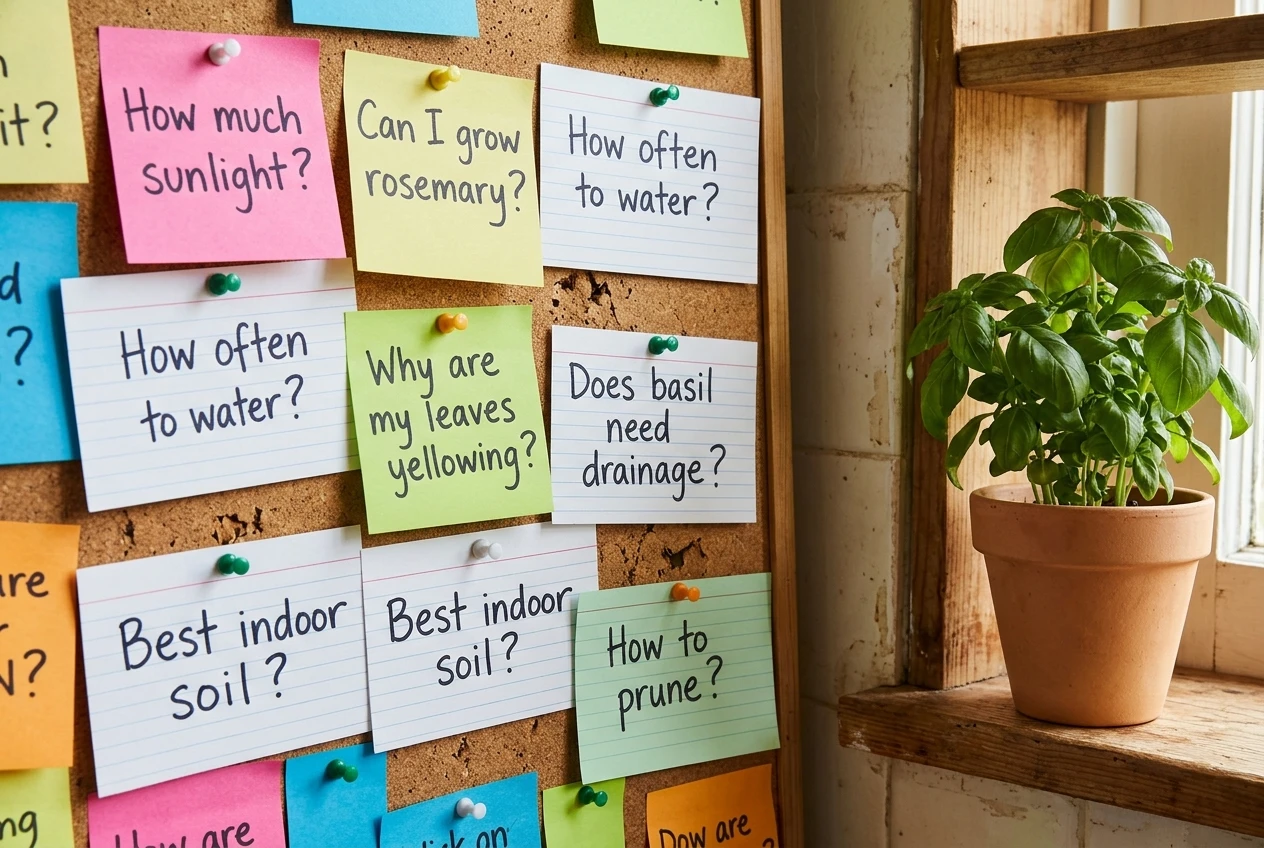
- The search engine’s own suggestions. Type the start of a phrase and read the autocomplete options. Scroll to the “People also ask” box on the results page and the related searches at the bottom.
- Forums and discussion communities. Search your topic along with the name of a forum, or browse the relevant community directly. Read the thread titles first, then the replies.
- Question sites. The questions people post show what they were stuck on, often with the context that explains why.
- Comments under videos and articles. Readers often write “I still don’t understand how to…” or “does this work for…”, which is almost a ready-made heading.
When you read these, copy the wording exactly. A reader who writes “which one is better for a small apartment” is giving you a more specific and more useful phrase than the broader “best indoor herb garden.” Treat these phrases as candidates and run them through the first technique: search them and see what comes up.
Also notice what people are worried about. Threads full of the same concern, such as cost, setup time or compatibility, point to the questions an article must answer if it wants to earn trust. A reader who sees their own question in your heading is more likely to keep reading.
Collect these phrases in a single list, with a short note on where each came from. You will use that list in the next two sections.
Sort every keyword by what the searcher wants to do next
Once you have a list of phrases from the tool, the results pages and the communities, the next job is sorting. The most useful sort is by intent: what is the person likely to do after reading?
Four groups cover most phrases:
- Learning. The searcher wants an explanation. Phrases often start with “what is,” “how does” or “why.” These bring visitors early in their thinking and rarely lead to an immediate purchase.
- Comparing. The searcher has a shortlist and wants to choose. Phrases include “best,” “vs,” “alternatives” or “review.” These visitors are closer to a decision, so a clear and fair comparison can lead naturally to an affiliate link.
- Buying. The searcher is ready to act and wants a price, a place to sign up, or a specific model. Phrases often include the product name along with words like “pricing,” “discount” or “sign up.”
- Solving. The searcher has a problem and is looking for anything that fixes it, such as “how to stop seedlings from wilting.” The right product, if there is one, is introduced as part of the fix.
Take a made-up niche as an illustration: growing herbs indoors. “What is a grow light” belongs in the learning group. “Best grow light for a windowless kitchen” is a comparison. A specific light model with the word “review” attached is near a buying decision. “Why are my basil leaves turning yellow” is a problem to solve.
Sorting like this shows you the balance of your list. A list made entirely of learning phrases will bring readers but few clicks. A list made entirely of buying phrases is competitive, and you would have nothing to support it. A healthy plan covers all four groups, with the early ones leading readers toward the later ones.

It also tells you what each article needs. A learning article should explain clearly and point to a deeper guide. A comparison article needs honest criteria and a clear recommendation for different types of reader. Only write the form that fits the intent of the phrase.
Turn a shortlist into a cluster of connected articles
A single article on a single phrase can work, but a set of articles that cover one subject from several angles gives the search engine and your reader more to go on. This is a topic cluster, and it is built from the sorted list you now have.
Build one in this order:

- Choose the central topic. This is a broad subject within your niche that has many sub-questions, such as “growing herbs indoors” in the example above.
- Pick the main article. This is the most complete page on that topic, usually one that covers a comparison or a full guide. It is the page you most want visitors to reach.
- Assign supporting articles. Each one takes a narrower phrase from your list: a question, a problem, a specific comparison. Each answers one thing thoroughly.
- Link them deliberately. Every supporting article links to the main article, and the main article links back to each supporting one. Where two supporting articles overlap in subject, link them to each other too, using anchor text that describes what the reader will find.
Write the supporting articles first when the main topic is competitive. They target narrower phrases that are easier to rank for, and they give you finished pages to link from the main article when you publish it.
A cluster also prevents a common problem: writing two articles that target nearly the same phrase. When you list your phrases against article titles, you will see where two phrases really want the same answer. Merge those into one article. If two readers would need clearly different pages, keep them apart.
Keep clusters small at first. Four to six articles on one topic, finished and linked, are more useful than a dozen unrelated posts. You can add to a cluster later as you find new questions in the communities you read.
Check each keyword against your niche before you write
Before you commit time to writing, run each shortlisted phrase through a short set of checks. It takes a few minutes per phrase and saves you from writing an article that cannot work.
- Can you answer the question well? Read the top results again. If you could not write something at least as clear, accurate and complete, either research further or leave the phrase for later.
- Does the intent match a page you can build? If the results are all comparisons and your plan is a definition, change the plan or change the phrase.
- Is there a sensible place for an affiliate link? For learning and solving phrases, the link may sit in a supporting article that leads to a comparison. For comparing and buying phrases, check that a relevant product or program exists and that you would be comfortable recommending it.
- Does it belong in your cluster? If a phrase fits no cluster, it is probably a detour. Note it and move on.
- Does it fit your niche and your reader? A phrase can be popular and still be wrong for the audience your site speaks to. If you are unsure whether your niche itself is the right one, How To Pick Your First Niche Using Wealthy Affiliate covers that decision before you spend time on keywords.
Mark each phrase as write now, write later, or drop. A phrase that passes every check goes at the top of your writing list. A phrase that fails one check is not wasted: write down which check it failed, because that note often tells you what to research next.
Where to practise this inside Wealthy Affiliate, one piece at a time
Five techniques are easy to read and harder to apply when you are working alone. The common experience for a beginner is to start with the tool, collect a hundred phrases, and then not know whether to research, write, build a site or look for a niche. The work has a sequence, and doing the pieces out of order is what makes it feel unmanageable.
The Guided Path inside Wealthy Affiliate is built around that sequence. It takes you through building an online business one piece at a time, so keyword research arrives when you have the earlier pieces in place and a clear next piece waiting after it. You are not choosing between twenty open tasks. You work on the one in front of you, finish it, and move on.
For keyword research specifically, that means you practise the method on a real site with real topics, rather than in the abstract. You choose a candidate phrase, read its results page, gather the questions people ask, sort by intent, place it in a cluster, and check it before writing. Then you repeat the process for the next phrase, which is where the skill develops.
If you are still at the earlier stages, these pieces on this site lay out what comes first: How To Start With Wealthy Affiliate As A Complete Beginner explains what to expect when you begin. Once your research habit is in place and you want to know what changes as the business grows, What Changes When You Stop Being a Beginner at Wealthy Affiliate picks up from there.
The method in this article gives you something to repeat on every topic. Having someone walk you through it, along with every other part of building a business, in the right order, makes the repetition easier to keep up. If you want that, join Wealthy Affiliate and start with the Guided Path.