
If you are new to creating content online, the technical side can look like a wall of separate skills: a website, keyword research, writing, images, video editing, uploading, and a different tool for each. Most of that feeling comes from seeing everything at once. The work is much smaller when it is laid out in a fixed order.
This article gives you a content creation workflow for beginners that fits on one page. You pick one topic, write it, publish it, and turn it into one video, and you do that in the same order every week.
Why the technical side feels bigger than it is
Most beginners meet the technical side as a list of unfamiliar words. Hosting, SEO, thumbnails, editing software, scheduling, analytics. Each word links to a dozen tutorials, and each tutorial recommends a different tool. After an hour of reading, you have ten tabs open and nothing written.

The real problem is that you are being asked to make decisions before you have done any work. Which tool is best, which topic is best, what order to do things in. Every decision you make fresh costs energy, and a beginner has little of it to spare. Experienced creators are not smarter about this. They have already decided most of those things, so each week they only do the work.
A workflow removes the decisions. When the order of tasks is fixed, you never need to ask what to do next. You open the page and do the next item.
The four jobs every piece of content really comes down to
Strip away the tool names and every piece of content needs the same four jobs.
- Pick. Choose one topic and one question the reader wants answered.
- Write. Turn that topic into a complete article that answers the question.
- Publish. Put the article on your site so people and search engines can find it.
- Repurpose. Turn the same material into one video, so the work reaches people who prefer to watch.
The order matters because each job feeds the next. The topic you pick decides what you write. The article becomes the script outline for the video. Nothing in the video stage needs new research, because the research is already in the article.
This is also why one topic per week is the right size. A second topic doubles the picking and the writing and leaves the publishing and the video squeezed. One topic, carried all the way through, gives you something finished every week. Finished work is what builds a habit, and a habit is what keeps you going once the first excitement fades.
A weekly rhythm you can repeat without re-deciding anything
Here is a simple five-day layout. Each day has one job and a stopping point, which is the most important part. When the stopping point arrives, you close the laptop even if you feel you could do more.
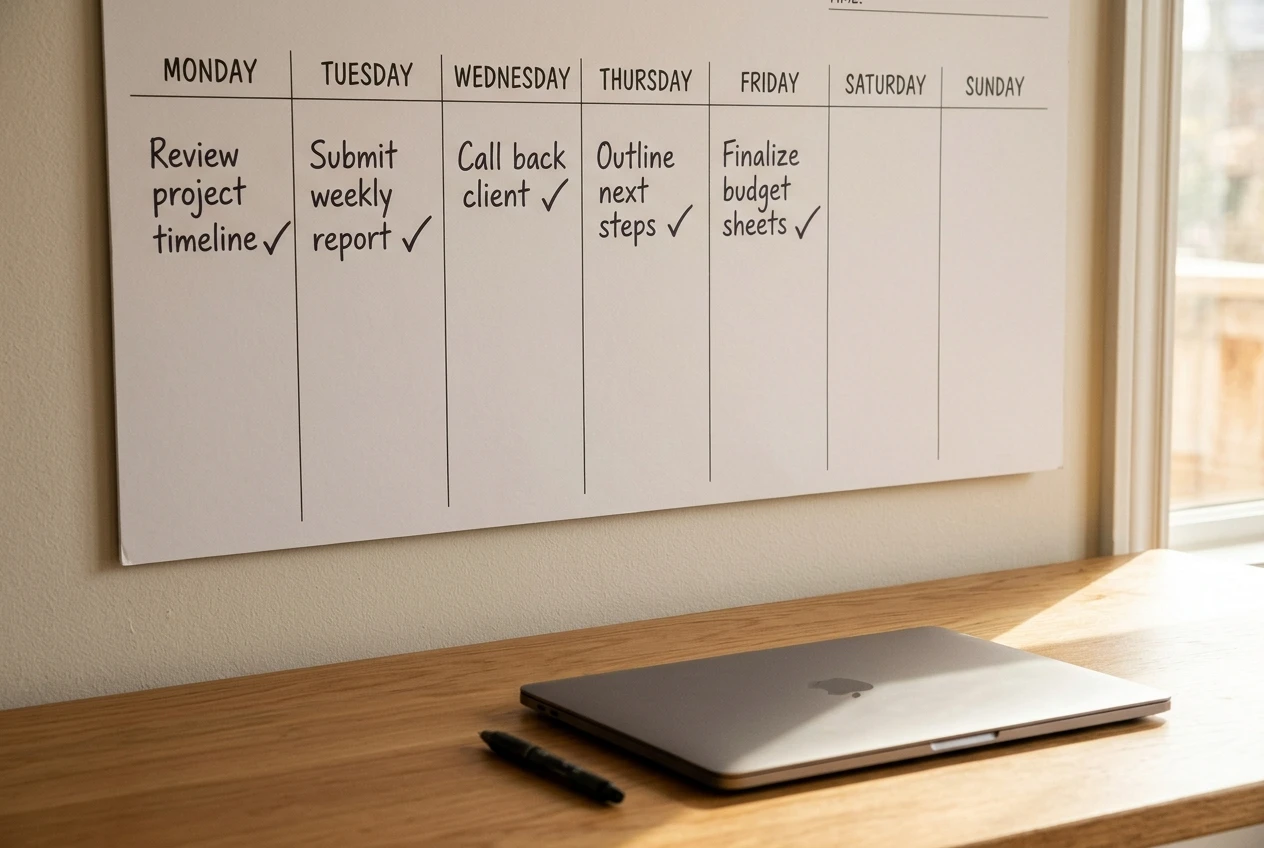
- Monday: pick the topic. Write down the one question your reader is asking and three or four sub-questions that belong under it. Stop when you have that list. About 30 minutes is enough.
- Tuesday: write the first draft. Use the sub-questions as your headings and answer each one in short paragraphs. Stop when every heading has an answer, even if some are rough.
- Wednesday: edit and publish. Read the draft aloud once, fix what sounds awkward, add an image if you want one, and publish. Stop when it is live. Do not start a second round of edits.
- Thursday: script the video. Take your headings and write two or three plain sentences under each. That is your script. Stop when the script covers every heading.
- Friday: record and upload. Read through the script on camera or as a voiceover, upload it, and add a link back to the article in the description. Stop when it is uploaded.
The times are a suggestion, so adjust them to your week. What you should keep is the shape: one job per day, a clear finish line, and the same order every time. If a day goes badly, the next day does not change. You carry on with the next job, and the topic simply finishes a little late.
Weekends are left open on purpose. Rest is part of the routine, and a plan with no slack gets abandoned the first time life interrupts it.
Where a guided setup removes the technical guesswork
Even with a fixed rhythm, a few technical pieces sit underneath it: having a site to publish on, knowing how to structure an article so it can be found, and knowing what to do next once the piece is live. Beginners lose the most time here, because these are the questions where a wrong guess is invisible. You do not find out the setup was off until weeks later.
A guided setup helps because someone else has already put the steps in order. You are not comparing hosting options or deciding which article format to use. You are told what the next task is, you do it, and you move on. If you want to understand what that looks like for someone who feels stuck, the post on what Guided Path really means covers it in more detail.
The point of getting this part guided is not that it is difficult. It is that these are one-time decisions. You make them once, and from then on your week is only the five jobs above. A beginner who has to research the setup and also run the weekly routine is doing two things at once. A beginner with the setup handled can put full attention on the routine.
Turning one article into one YouTube video without starting over
The video is where many beginners think a whole new project begins. It does not have to. The article already contains the structure, the examples, and the order of ideas. Your job is to say it out loud.
Use this method:
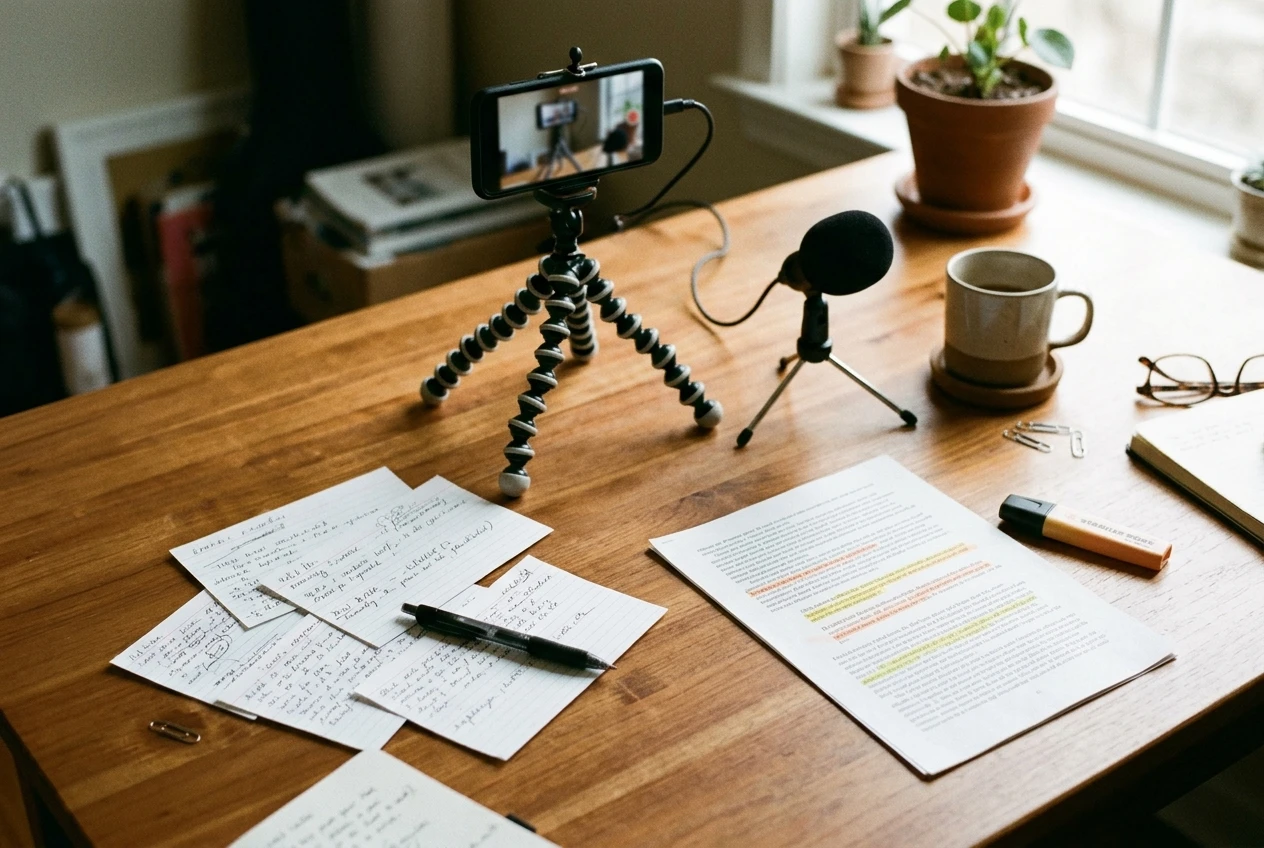
- Copy your headings into a new document. Each heading becomes a section of the video.
- Write the opening in two sentences. State who the video is for and what question it answers. This is your hook, and it can be close to your article’s first paragraph.
- Under each heading, write two or three spoken sentences. Speak plainly, as if explaining to one person. Spoken sentences should be shorter than written ones.
- End with one next step. Point to the article for the full detail, and name one action the viewer can take.
- Record in one take where you can. Small stumbles are fine. A video that exists helps more people than a polished one that never gets finished.
Use the same title idea for the video and the article, so someone who finds one can easily recognize the other. In the video description, link to the article. The article then gets visitors from the video, and the video gives watchers somewhere to go for the written version.
You do not need advanced editing at the start. Trimming the beginning and end is enough. Add fancier edits later if you want them, after the weekly routine is steady.
The habits that quietly break a simple workflow
A simple workflow rarely fails in one dramatic moment. It wears away through small habits, and most of them look reasonable when they happen.
- Changing the topic midweek. A new idea on Wednesday feels exciting. Write it on a list for next Monday and keep going with the current piece.
- Swapping tools to fix a slow day. A slow day is almost never caused by the tool. Keep the tools you have until the routine has run for several weeks.
- Editing past the stopping point. The article that is live and imperfect beats the one still in drafts. You can improve a published piece later.
- Skipping the video when the article is done. The video stage is the easiest to drop because the article already feels like an achievement. Keep it small, but do it.
- Doing two days of work in one sitting. It feels productive, but it removes the finish lines that make the routine easy to repeat. Doing Tuesday and Wednesday together once is fine. Doing it as a pattern turns the week into a pile of tasks again.
- Waiting until you feel ready. If you keep researching instead of beginning, the post on why you are still planning instead of starting offers a smaller first step to get moving.
When the routine breaks, restart at the next job on the list, not at Monday. Missing a day does not erase the days before it.
Your first small run: one topic, one week, one finished piece
Try one full cycle before you judge whether the routine suits you. A single week is enough to find out, and the goal is only to finish.
Before Monday, set up one document with the five days listed and the stopping point written beside each. Then follow it in order.

- Monday: one question, three or four sub-questions.
- Tuesday: a rough answer under every heading.
- Wednesday: read aloud, fix, publish.
- Thursday: two or three spoken sentences per heading.
- Friday: record, upload, link back to the article.
At the end of the week, look at what you have: one article live on your site and one video on your channel, both about the same topic. Ask yourself two plain questions. Which day felt hardest? Which stopping point did you want to ignore? The answers tell you where to adjust the routine next week, and you can make that adjustment without changing the order.
Once a few weeks have passed, you will be ready to think about the longer view, and what matters after day 30 picks up from there.
If you want someone to point out the next step so you aren’t piecing this together alone, take a look at how Guided Path inside Wealthy Affiliate walks you through it, and start with the free membership to see whether it feels right for you.