
You open the community, type “my page isn’t working, help,” and hit post. Then you wait. The people who could answer you read it, see nothing to work with, and scroll on. That reply never comes because there is nothing in the post to reply to, and your question being basic has nothing to do with it.

This article is about wording the question once you have decided to ask. If you are still unsure whether to ask at all, this piece on how long is too long to struggle alone covers that. Here the focus is on writing a post that someone can answer in one reply.
Why “it’s not working” gets you nothing back
A helper reading “it’s not working” has to guess which page, which tool, what you did, and what “not working” means. Any of those guesses could be wrong, so the helper’s first reply has to be a list of questions. Many people won’t write that reply, because it costs them time and the answer to their questions may never come.
A post that carries its own details lets the helper skip straight to the fix. Someone who knows the answer can type it in a minute, and most people will do that when the question is clear. The effort you put into the post decides how much effort anyone else has to spend.
It also helps to know that a question about a page that won’t publish or a post that looks wrong is a normal question. Everyone building a website meets these problems, and people who have been through them tend to recognize them quickly when the description is clear. Hesitating because the question seems too basic costs you more than posting it does.
Ten minutes of homework first, and how to say you did it
Before you post, spend about ten minutes on the obvious checks. They are quick, and they sometimes solve the problem outright.

- Reload the page and try again, and try a different browser if you have one.
- Log out and back in.
- Look at the lesson or task you were following and reread the part you were on. A skipped line is a common cause.
- Search the community for a few words from your problem. Someone may have asked it already, and the answer will be waiting.
- Check whether you changed anything just before the problem began.
The point is not to prove you are worthy of an answer. Each check removes a possible cause, and that shortens the list for the person helping you. Tell them what you tried in one line: “I reloaded, tried a second browser, and reread the task, and the result is the same.”
That single sentence does two things. It saves the helper from suggesting what you already did, and it shows you are working on the problem, which makes people more willing to work on it with you.
If the checks did not fix it, you now know more about the problem than you did ten minutes ago, and that knowledge goes into the post.
The four lines every good question contains
A useful question can be written in four short lines. Keep them in this order.
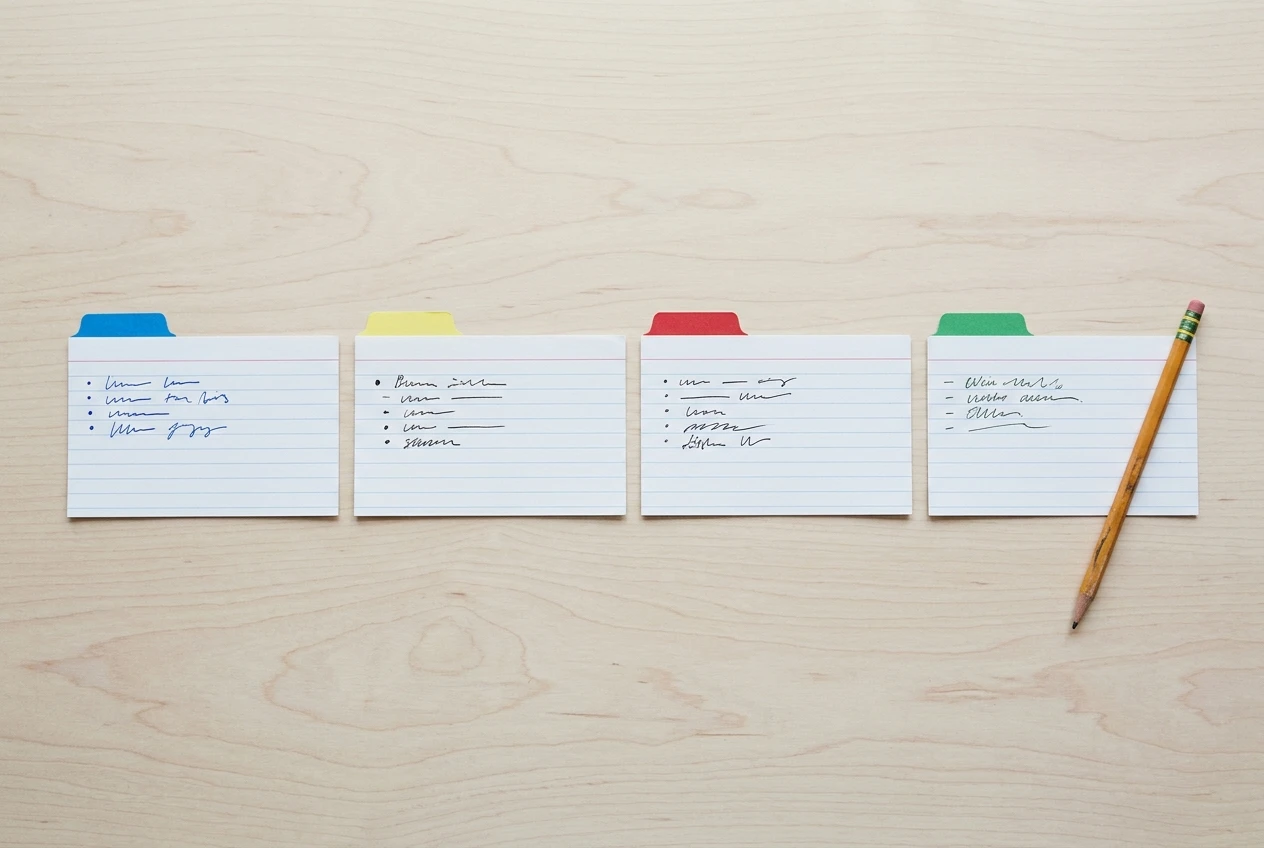
- Goal. What you were trying to get done. “I’m trying to publish my second page.”
- What you did. The actions, in order, as plainly as you can. “I wrote it in the editor, clicked Save, then clicked Publish.”
- What happened. What you saw, as exactly as you can describe it. “The page reloads and still shows as a draft.”
- What you expected. What should have happened. “I expected it to show as published and appear on my site.”
The goal line matters more than people think. Sometimes the way you are trying to reach a goal is the real problem, and a helper who knows the goal can point you to a better route. Without it, they can only fix the exact action you asked about.
The expectation line matters because it shows the gap. “It looks wrong” means little until the reader knows what right looks like to you. Writing down the expected result also sometimes shows you that your expectation was off, and that settles the question before anyone replies.
Show what you see: screenshots, links and the exact wording of any error
Words alone often fall short when the problem is visual. A post that “looks wrong” is hard to describe and easy to show. Include a screenshot of the screen as you see it, and crop it to the relevant part so the reader isn’t hunting through it.

If the problem is on a page of your site, give the link to that page. A helper can open it and see what you see, which tells them more than three paragraphs of description.
If an error message appears, copy its wording exactly, including any numbers or codes. Do not paraphrase it. “Some kind of permissions error” gives a helper nothing to search for, while the exact text can be matched against a known problem straight away. If no message appears, say so: “No error message shows.” That detail is useful too, because a silent failure points to different causes than a loud one.
Also say what you are working on: which page, which task, and roughly where you are in your build. A problem on a brand-new site and a problem on an established one can have different causes, and one line of context separates them.
One vague post, rewritten in front of you
Here is a post that is common and hard to answer. This is an example written for illustration.
Title: Help Body: My page isn’t working and I don’t know what I did wrong. Can someone help me? I’m really stuck.
A helper cannot say anything useful to this. Now rewrite it with the four lines, one at a time.
Add the goal. “I’m trying to publish my second page on my new site.”
Add what you did. “I wrote the page in the editor, clicked Save, and then clicked Publish.”
Add what happened. “The page reloads and the status still says Draft. No error message appears.”
Add what you expected. “I expected the status to change to Published and the page to show up on my site.”
Add the homework. “I’ve reloaded, tried a second browser, and logged out and back in. Same result.”
Add the evidence. “Screenshot of the editor after clicking Publish is attached, and here is the link to the page.”
Fix the title. “Page stays on Draft after I click Publish, no error message.”
The finished post reads like this:
Title: Page stays on Draft after I click Publish, no error message Body: I’m trying to publish my second page on my new site. I wrote it in the editor, clicked Save, then clicked Publish. The page reloads and the status still says Draft. I expected it to change to Published and show on my site. I’ve reloaded, tried a second browser, and logged out and back in, with the same result. Screenshot attached, and the page link is here.
It takes about two minutes longer to write than the original. A helper reading it can recognize the situation immediately and reply with a specific fix, or with one precise follow-up question. Either one moves you forward, and the first version would have drawn neither.
One question per post, and a title a busy member will stop for
If you have three problems, write three posts. A post that asks about a page that won’t publish, a menu that looks odd, and a task you can’t find invites partial answers. Helpers will fix the one they know and skip the rest, and the thread becomes hard to follow. Separate posts also help the next person, because each one can be found by its own title.
Spend real effort on the title, since it is the only part many members will read before deciding whether to open the post. A good title names the object and the symptom:
- “Page stays on Draft after I click Publish, no error message”
- “Featured image shows cropped on my post but fine in the editor”
- “Can’t find where to start Task 3 in my gameplan”
A weak title names only a feeling: “Help!”, “Stuck”, “Does anyone know?” These tell a busy reader nothing about whether they can help, so they pass.
If you aren’t sure how to describe the symptom, fill in this sentence: “[Thing] does [unexpected result] when I [action].” Then cut it down to the shortest form that still has all three parts.
Also stay calm in the tone. Stating the problem plainly gets more help than apologizing for it or showing frustration. You do not need to say “sorry for the dumb question.” Skipping that line saves the reader a second and costs you nothing.
Close the loop: say what worked so the next person finds it
When someone answers, reply. Say thank you in a sentence, and tell them whether the fix worked. If it did, write one line about what solved it: “Clearing the browser cache fixed it.” If it didn’t, say what happened after you tried it, because that is new information and gives the helper the next thing to try.
Reporting the result helps the person who answered, who otherwise never learns whether the advice worked. It also helps everyone who later searches for the same symptom, because they find a thread with a confirmed solution instead of an open question.
If the answer pointed you to something you should have seen yourself, take it as normal. Most problems in a first website have answers like that, and your website will break in month one is a normal part of building, not a verdict on you.
Over time you will start recognizing other people’s questions and answering a few. That is a fair way to repay the help you received, and writing an answer teaches you the fix more thoroughly than receiving one.
If you are tired of troubleshooting alone, take a look at Wealthy Affiliate and the Guided Path through my link, and bring your first real question to the community once you are inside.