If you are starting an online business and feel lost, the natural move is to look for the right tool. A website builder, a keyword tool, a writing assistant, a scheduler. Each one promises to make the work easier, so buying or signing up feels like progress.
The trouble is that a tool only helps when you know what job you are handing it. This article makes the case for why you need a workflow before building an affiliate website, and gives you a simple test you can run on any tool before you spend time or money on it.
Why buying the tool first leaves you more lost than before
A tool is built to do one task well. A keyword research tool finds search terms. A page builder arranges text and images. An email platform sends messages to a list. None of them tell you when that task belongs in your project, or whether you are ready for it.
When you pick up a tool before you know the order of the work, you start making decisions you cannot judge. You pick a theme before you know what the site is about. You set up an email platform before there is anyone to email. You research keywords for a niche you have not yet chosen. The tool works fine, but you used it at the wrong moment, so the result gets thrown away or redone.
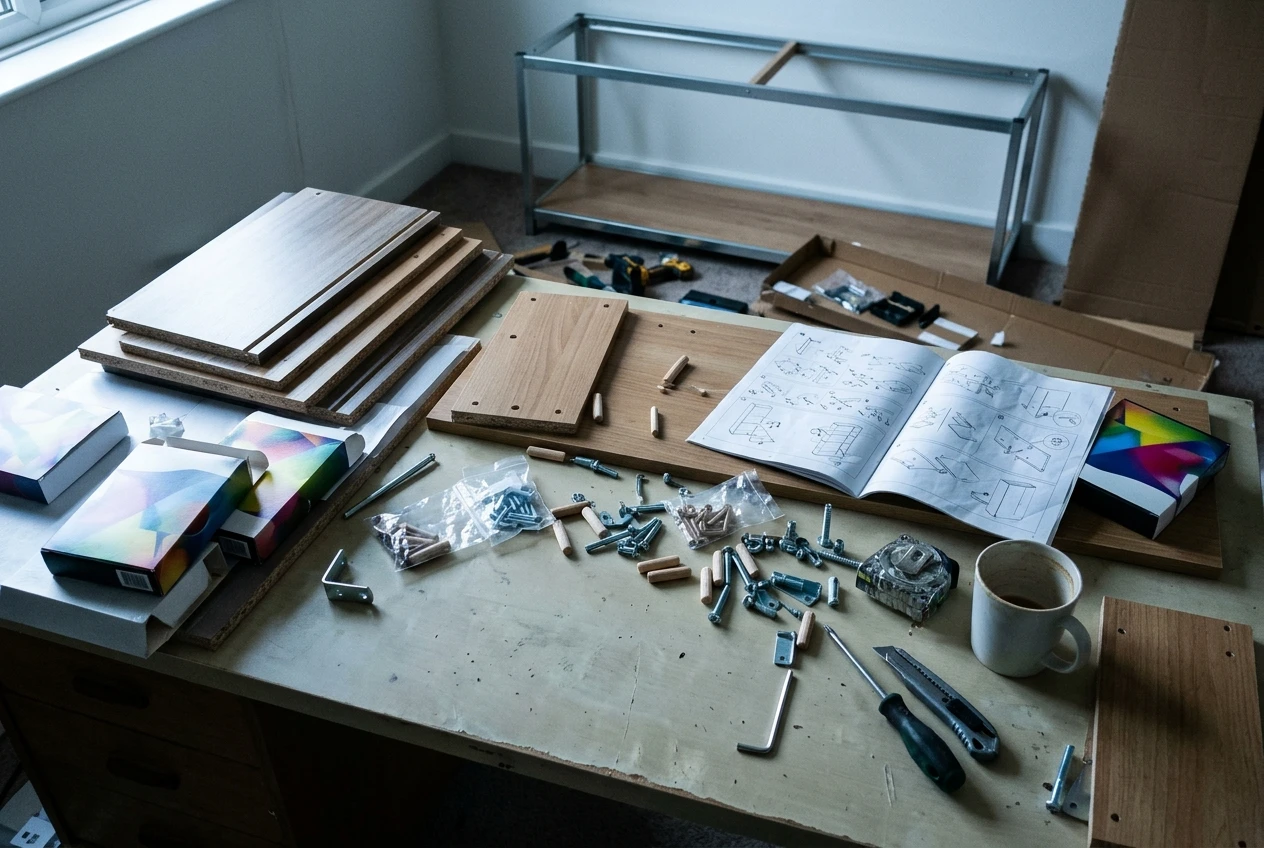
There is also a cost that is easy to miss: every tool you add brings its own menus, settings and tutorials. Learning it takes real hours, and those hours feel like work because you are busy and concentrating. At the end of the week you have learned three tools and published nothing, and the sense of being lost gets stronger, because you did a lot and still cannot say what comes next.
This is why people who keep collecting tools often feel further from a finished website than when they began. The missing piece was never software. It was a sequence.
What a workflow actually is (and what it is not)
A workflow is a list of steps in a fixed order, where each step has a clear output that the next step uses. “Choose a niche” outputs a topic. “Research what people search for” uses that topic and outputs a list of article ideas. “Write the first article” uses one idea and outputs a published page.
Two features make it a workflow. The order is set, so you never have to decide what to do next. And every step ends with something you can point to, so you know when it is finished.
Several things people call a workflow fall short of that definition:
- A pile of bookmarks and saved videos has no order and no outputs.
- A collection of tools has no sequence until you decide what each one is for.
- A to-do list with forty items and no priorities leaves the ordering decision with you, on every working day.
- A schedule such as “post three times a week” says how often to work but not what the work consists of.
Each of these can be useful alongside a workflow. None replaces one. If you want a short, practical example of a workflow for creating content day to day, the one-page workflow for new creators walks through it step by step. This article is about the reason to have one before anything else.
The order of work every new website build follows
Details vary between niches and platforms, but the sequence of a new affiliate website is consistent. Each stage depends on the one before it.

- Choose a niche and an audience. Decide what the site is about and who it helps. Everything later depends on this, so it comes first.
- Set up the site. Register a domain, choose hosting or a platform, and install the basic pages. The site needs to exist before it can hold content.
- Research what your audience searches for. Find the questions people type into search engines in your niche. This gives you a list of topics so you are not guessing at what to write.
- Write and publish content that answers those questions. Each article targets one topic and one reader’s problem. Publishing is the step that turns the site from a shell into something search engines can find.
- Add affiliate links where they help the reader. Links belong in content that already serves someone. Placed earlier, they sit on pages nobody visits.
- Review what is working and adjust. After pages have been live for a while, look at which ones attract visitors and build on those.
Notice what this order tells you. Keyword research cannot come before the niche, because there is nothing to research. Affiliate links cannot come before the content, because they have no page to sit on. Reviewing results cannot happen before publishing, because there are no results. The sequence is not a matter of taste. Each stage produces the material the next one needs.
It also tells you which tool you need at which moment. At stage two you need a site platform. At stage three you need a research tool. At stage four you need somewhere to write and publish. Before stage three, a research tool is a distraction. That is what it means for the process to decide the tool.
A simple test: does this tool serve a step I already have?
Before you sign up for, buy or start learning any tool, ask four questions in order.
1. Which step of my workflow does this serve? Name the step. If you cannot name one, stop here. The tool has no job yet.
2. Am I at that step now, or within the next few days? A tool for stage six does nothing for you while you are on stage two. Leave it for when you arrive. Most tools will still be there, and many will have changed or been replaced by then.
3. What would I do at this step without it? Often the answer is “the same thing, a bit slower.” Writing a first article in a plain document works fine. If the free or basic option does the job, you have no reason to look further.
4. What does the tool change about the output? A good tool makes the step faster, cheaper or better. If you cannot say which, it is probably adding a menu to learn without shortening the work.
If a tool passes all four, use it, and you will use it with purpose. If it fails the first, you have just saved yourself an afternoon of setup.
A few examples of how this plays out:
- A tool that generates logo designs: your workflow’s step is “set up the site.” A logo is a small part of that. Fine to use something basic, and not worth a week.
- An advanced analytics dashboard: it serves the review step, which comes after pages have been live. Before you have visitors, it shows you empty charts.
- A social media scheduler: it serves a promotion step. If your workflow does not yet include promotion and you have no content to promote, it serves nothing.
The test works in the other direction too. If a step in your workflow keeps stalling, you can ask what kind of tool would help that exact step, and search for it with a clear brief.
What it feels like to build with a path under your feet
Following a set order changes how a working session starts. You open your computer and the question of what to do is already answered, so you spend the first ten minutes working instead of deciding.

It also changes how you handle the pull of new ideas. Someone mentions a promising platform, or you see a video about a new technique, and the usual reaction is to drop what you are doing and look into it. With a workflow, you can check it against your steps. If it belongs to a later stage, you note it and keep going. If it belongs to your current stage, you look at it now. Either way, you made a decision in under a minute instead of losing a day.
Finished steps also give you something to look at. A niche chosen, a site live, a first article published: each is a visible, checkable thing. Feeling lost often comes from not being able to tell whether you are getting anywhere, and a list of completed steps answers that question directly.
If you have been working for a long while and cannot tell whether anything has moved, the piece on what changes when you finally follow one path describes that experience in more detail.
How Guided Path hands you the order so you are not inventing it alone
Everything above assumes you have the right order. Someone who is new to building a website is the person least able to design that order, because the sequence only becomes obvious after you have seen it work. Building the workflow yourself means guessing at the stages, and a wrong guess shows up months later as work that has to be redone.
This is the problem Guided Path in Wealthy Affiliate addresses. It lays out the building order for you, so what comes next is already decided and you follow it instead of inventing it. You are not asked to choose between stages, research which tool to start with, or work out whether you are ready for the next step. The sequence is the thing you are given, and your job is to do the work in front of you.
That changes the question you ask each day. Instead of “what should I be doing?”, which has no firm answer when you are new, you ask “have I finished this step?”, which does. If you want a closer look at what Guided Path means in practice, what Guided Path really means for someone who feels stuck explains it in plain terms.
Whatever route you take, settle the order before you open another tool. A clear sequence turns the tools you do pick up into useful help instead of more things to learn, and it lets you measure your progress by steps finished.
If you are tired of guessing what comes next, see how Guided Path lays out the building order inside Wealthy Affiliate, and take the first step on it today.