
If you have been asking yourself why is my blog slow and messy after a year, the cause is almost always the same. Twelve months of building leaves behind a lot of small decisions that made sense when you made them. A plugin you tried once, a photo you uploaded in a hurry, a post you published only to hit a target. None of them did harm on the day. Together they add up to a site that loads slowly, is hard to navigate, and feels like more work than it should.
This article walks through what has built up and the order to clear it in, in a way you can manage in a few short sessions.
The Heaviness You Feel Is Normal, and It Has a Name
Developers call it technical debt. The idea is simple: every shortcut you take while building saves time now and costs time later. A shortcut is not a mistake. Early on, getting a post live matters more than naming the image file properly, and that is the right call.
The debt shows up after a year because you kept building on top of the shortcuts. Your pages are slower because the images are large and the plugins are many. Your site is confusing because the categories were set up before you knew what the site would become. Your older posts feel embarrassing because you wrote them before you had a clear sense of your reader.
Feeling this is a sign that you have built something. A site with nothing on it has no debt. A site with a year of work on it has some, and it can be paid down in an orderly way.
If your trouble is earlier than this, with errors and things breaking in the first weeks, the month-one piece on website problems covers that. What follows is about what accumulates later.
Where Technical Debt Hides in a One-Year-Old Site
Five places hold most of it. You can check each one without any technical skill.

- Unused plugins. Tools you installed to try a feature, then forgot. Each one is code your site still carries, and each needs updates.
- Oversized images. Photos and screenshots uploaded at the size they came in, far larger than the space they fill on the page.
- Thin early posts. Short, rushed or off-topic articles from the first months, when the goal was simply to publish.
- Tangled categories. Overlapping or near-empty categories, and the default “Uncategorized” label still attached to posts.
- Broken links. Links to pages you deleted, renamed or that were removed elsewhere on the web. They collect quietly because nothing alerts you.
You do not need to fix anything yet. For now, just notice which of these five sounds most like your site. Most people recognise all of them, and that is fine. The order of work later in this article handles them one at a time.
The Early Posts You Rushed and What to Do With Each One
Your first posts are the part of the site most likely to make you wince. It helps to treat them as material rather than as evidence against you. Each one gets one of four decisions.
Keep
Some early posts are fine. They answer a real question for your reader, even if the writing is plain. Leave them alone, and do not rewrite a post just because it is old.
Improve
A post on a good topic with weak execution is worth rewriting. Add the missing detail, tighten the opening, correct anything that is out of date, and make sure it clearly answers the question in its title. Updating a post you already have is usually quicker than writing a new one, and the page keeps its address.
Merge
If you wrote three short posts on nearly the same subject, they compete with each other and none of them is complete. Combine the best parts into one fuller post. Then send the old addresses to the new one with a redirect, so that anyone who clicks an old link, or follows it from another site, lands on a working page.
Retire
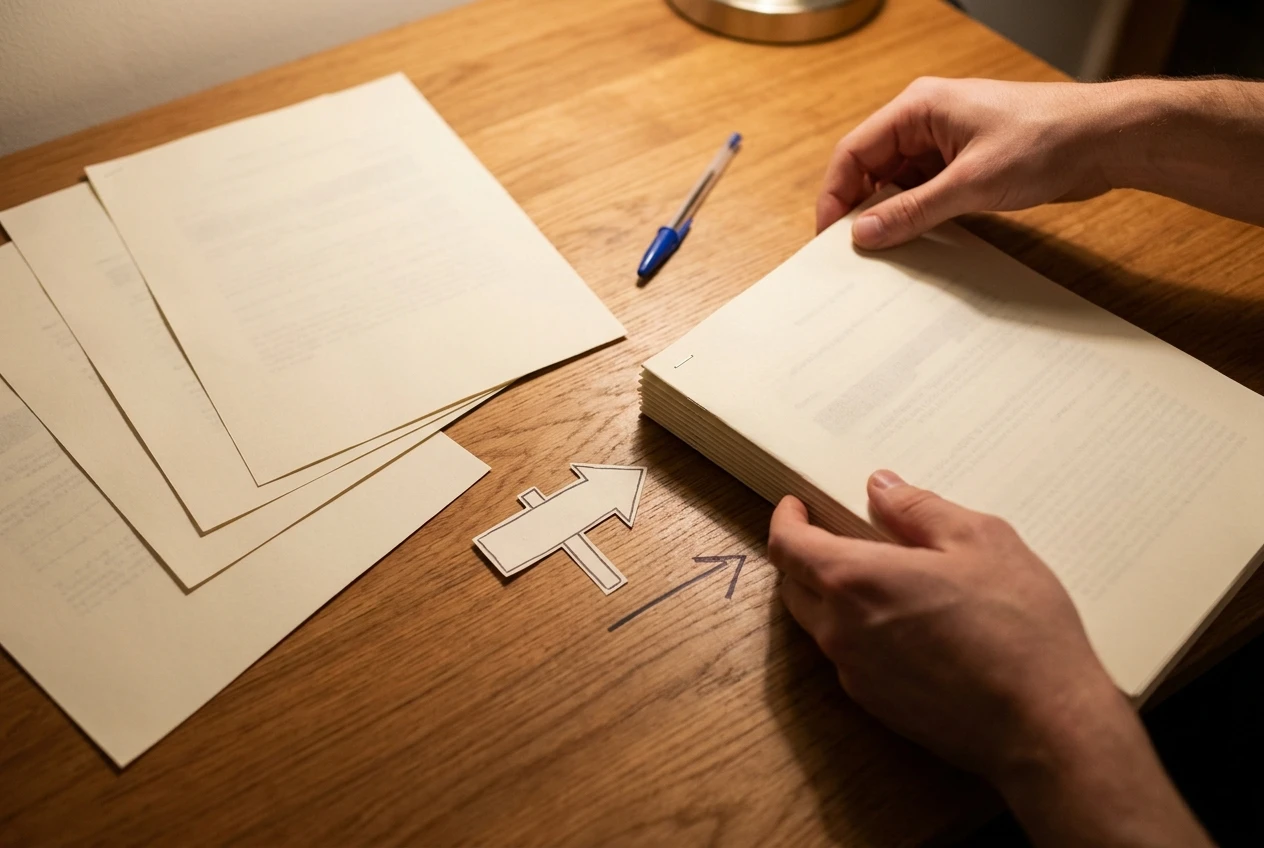
A post that is off-topic, thin beyond saving, or about something that no longer applies can be removed. If it has any links pointing to it, redirect it to the closest relevant post instead of leaving a dead page. If nothing links to it and nobody reads it, deleting it is fine.
A short note beside each post in a simple list (keep, improve, merge, retire) is enough to start. You are making decisions, not performing repairs yet. The repairs happen in a later session, and having the list first stops you from wandering from post to post without finishing any.
When you rewrite, keep your own voice. If you worry that tidying will flatten how you sound, this piece on publishing more and still sounding like you is worth reading first.
Plugins, Images and Settings: The Quiet Weight
These three do most of the slowing, and they are the easiest to fix because the decisions are clearer than they are with writing.
Plugins
Open your plugin list and, for each one, ask what it does for your site today. If you cannot answer, or the answer is “I tried it once,” it is a candidate for removal. Deactivating a plugin stops it running, but it stays installed and keeps needing updates, so delete the ones you are certain you do not need.
Two cautions. Take a full backup before you remove anything, and remove plugins one at a time, checking your site after each. If something changes, you know which one caused it. Also be careful with plugins whose purpose you do not recognise: some run features you rely on without you knowing it, such as forms or security. Search the plugin’s name before you delete it.
Where two plugins do the same job, for example two that handle site speed or two for contact forms, keep one.
Images
A photo taken on a phone or downloaded from a stock site is often much larger than the area it occupies on your page. The visitor’s browser still has to download the whole file. A page with ten such images can feel slow even when the text is short.
The fix has two parts. Resize an image to roughly the width it actually displays at, and compress it. Free online tools do both, and many sites have a plugin that compresses images automatically when you upload them. For the images already on your site, start with the posts that get the most visits, because that is where the improvement is noticed most.
Give new images descriptive file names and fill in their alt text, which describes the image for readers using screen readers and helps search engines understand it. Neither takes long once it is a habit.
Settings
Look through a few settings that are easy to leave at their defaults:
- The permalink structure, which sets how your page addresses look. Do not change this on an established site without a plan, because it changes every address. Just check that it is sensible.
- The comments setting, which may be letting in spam you never read.
- Your homepage and menu, which should point to the pages you most want a visitor to see now, not the ones that mattered a year ago.
- Your tagline and site description, which may still describe the site you planned rather than the one you have.
A Four-Session Cleanup Order That Will Not Overwhelm You
The order matters. Safe and reversible work comes first, and the work that needs the most judgment comes later, when you have momentum. Each session fits in a sitting of about an hour or two. If one runs short, stop there and carry on at the next.
Session one: backup and inventory
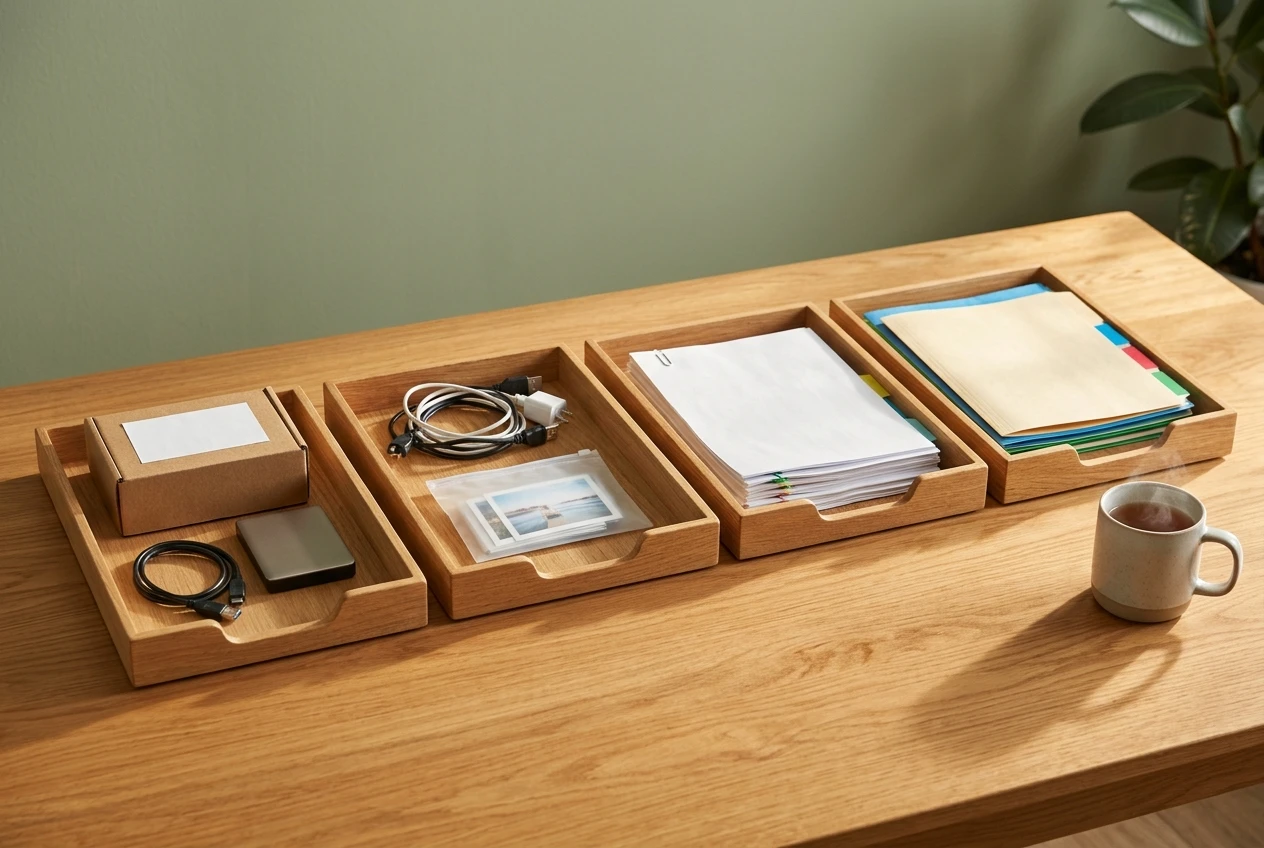
Make a full backup of your site and confirm you can find it. Then write down three lists: every plugin and what it does, your posts with a keep, improve, merge or retire note, and your categories. Do not delete anything in this session. The point is to see what you have.
Session two: plugins and images
Remove the plugins you identified as unused, one at a time, checking the site after each. Then compress the images on your five most visited posts, and on your homepage. Check how a page feels to load before and after, so you can see the difference.
Session three: the posts
Work through the list from session one. Do the merges and retirements first, setting redirects as you go, since they reduce the number of posts you have to think about. Then improve the posts marked for rewriting, starting with the ones closest to your main topic. Do not try to finish them all. Three well-improved posts is a good session.
Session four: categories, links and menu
Reduce your categories to a short list of clear topics, each with enough posts to justify it. Move posts out of “Uncategorized.” Then run a broken link check using a free online checker or a plugin, and fix or remove each broken link. Finish by reviewing your menu so that it matches the cleaner structure.
After the fourth session, load your site as a stranger would. Click through the menu, open a few posts, and see whether it is easy to understand what the site is about.
How to Stop the Pile From Growing Again
A cleanup holds only if the habits behind the mess change a little. These are small and fit around normal publishing.
- Resize images before you upload them. It takes less time than fixing them later, and it means the problem does not return.
- Ask one question before installing a plugin. What specific job will it do, and do I already have a tool that does it? If you try one and it does not earn its place, delete it that week.
- Decide the category before you write. If a post does not fit an existing category, ask whether it belongs on the site at all.
- Publish fewer posts of higher quality when you have to choose. Thin posts are the hardest debt to repay because each one needs a decision later.
- Set a short monthly check. Thirty minutes to look at plugin updates, run the link checker and glance at your slowest pages keeps the work small.
If you are unsure whether your site is heading the right way at all, two other pieces may help you think it through. One is on whether to change your niche or keep going, and another is on telling a hobby site from a business asset. Cleaning up is easier once you know what the site is for.
When to Ask Someone Who Has Already Walked This Path
Most of this you can do on your own. Some parts are harder to do alone. Deciding which posts deserve a rewrite is a judgment about your own work, and that is difficult to see clearly when you wrote it. Setting redirects wrongly can send visitors to the wrong pages. Removing a plugin that turns out to matter can break a feature, and tracing the cause is frustrating if you have not done it before.
Those are good moments to ask. A second person can look at your site and tell you quickly what a first-year site usually needs, and spot the thing you have stopped being able to see. If you decide to ask, how to ask for help in the Wealthy Affiliate community explains how to word the question so the answers are useful straight away.
Asking is not a sign that the site has gone wrong. A year of building is when a second pair of eyes helps most, because the site is large enough to have problems and young enough that they are still cheap to fix.
If your site feels heavy and you are not sure where to start, the Wealthy Affiliate Guided Path gives you a clear order to work in, with people on hand when you get stuck. Take a look at it and begin with your first cleanup session this week.